This page covers the steps used to visualize animations of normal modes generated in the example in ProDy. This example uses VMD 1.9.2 but should be nearly the same for older versions.
It is useful to carry out this example to first familiarize yourself with VMD.
The following link allows you to download the file used and created in the example.
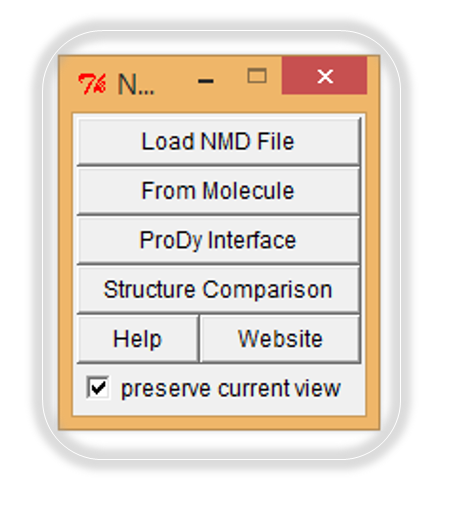
From "Extensions" chose "Analysis" and select Normal Mode Wizard. This should give you the following window.
load the file lysozyme_anm extended bb.nmd
After loading, you should get the following window.
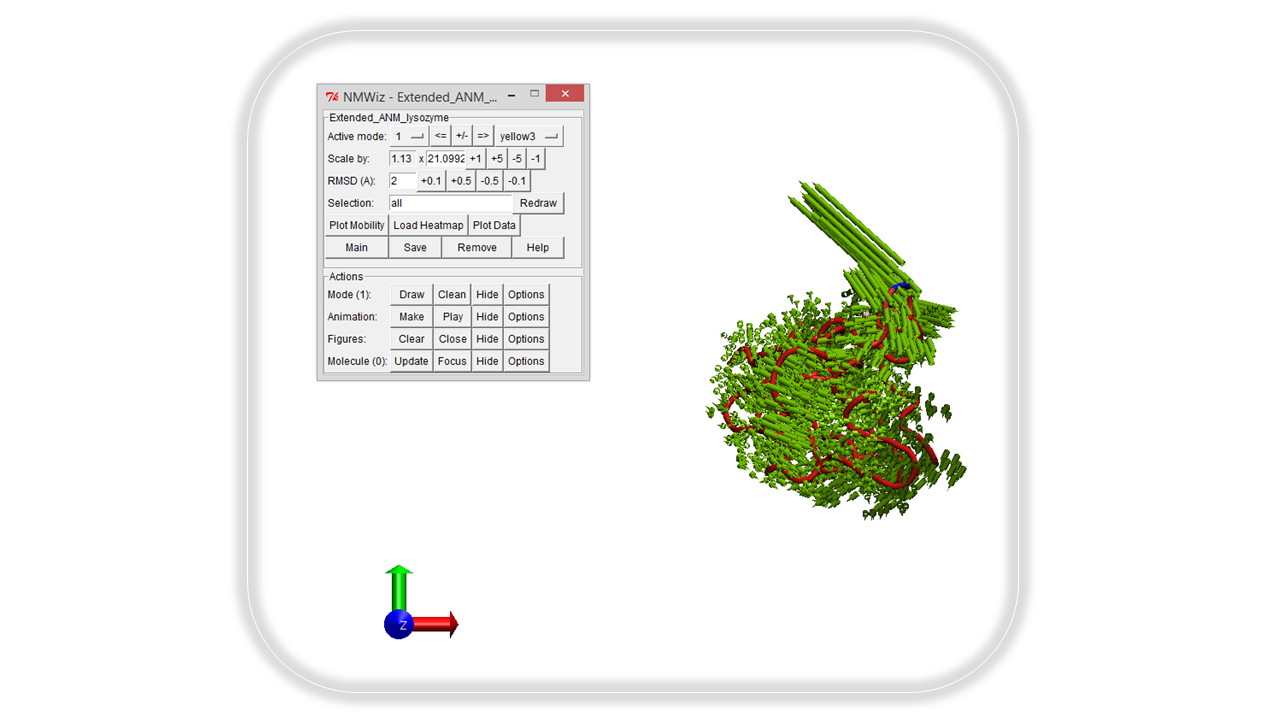
By default the first normal mode is displayed. From the active mode button, one can use the drop down menu, or the <= and => buttons to select other modes for visualization. The +/- button can be used to reverse the direction of the modes and the displayed arrow vectors. The RMSD control can be used to change the length of the vector arrows. Press the make button to begin the animation. Pressing the options button will provide an expanded window with additional adjustment options.