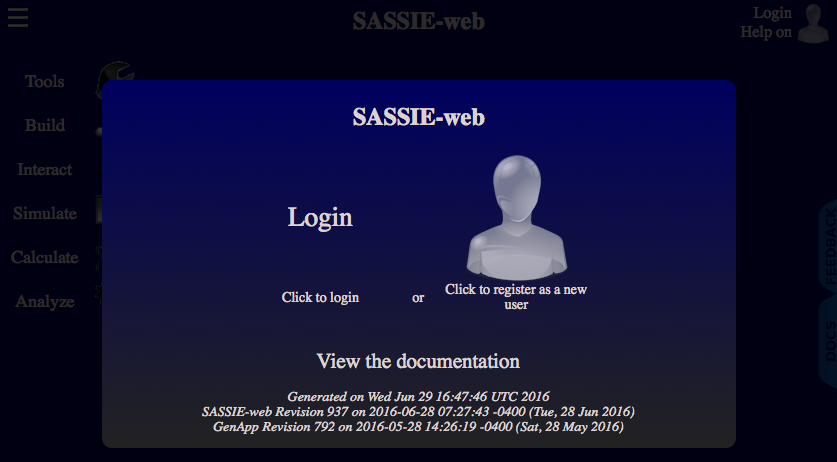
To get started using the SASSIE-web software go the the following site in your web browser:
http://sassie-web.chem.utk.edu/sassie2/
You should be greeted with a sight much like this:
The first thing you need to do is create an account.
To register you need to click on the 'head' icon on the right side of the splash screen. This should produce a dialog box like the one below.
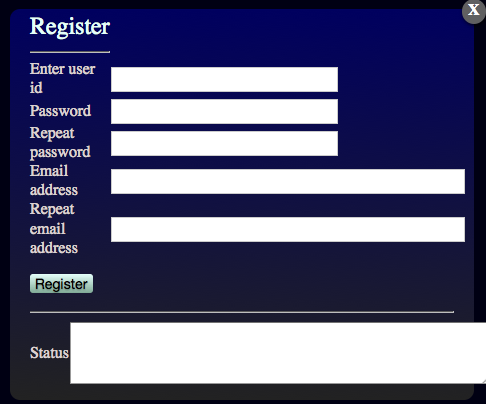
Choose a user ID (username) and password password and enter an email address. Your password needs to be at least 10 characters long. The email address will be used to help you reset your password should you forget it.
Click on the "Register" button to complete your registration.
To dismiss the dialog box click on the 'X' in its top right corner.
Click on the 'login' link in the top right of the main SASSIE-web site. The login dialog should appear.
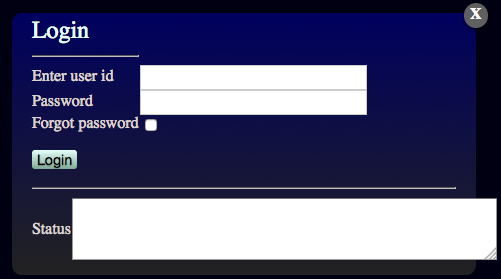
Enter your username and password. Then click on the 'Login' link.
You should be returned to the SASSIE-web main page.
If you look at the top right the 'Login' link will have been replaced with 'Logoff